7 Tools to Find Faceless YouTube Video Ideas That Already Get Views
Seven tools that show faceless YouTube creators which video ideas already get views, from outlier search to free idea generators, with US prices.
By Aditi, Co-Founder, OutlierKit · 7 min read
The best way to find faceless YouTube video ideas is to start from videos that already beat their channel's usual views. OutlierKit finds those outlier videos and the channels behind them. vidIQ, 1of10 and Viewstats add their own outlier and trend views. TubeBuddy and Google Trends check search demand. The free AnimatedBoard YouTube video ideas generator turns a niche into ready-to-script ideas in seconds.
Faceless channels live or die on the topic. You have no face on screen and no personal fans yet, so viewers click because the idea interests them. That makes research the most important step, before you write a script or pick a drawing style.
Why proven ideas matter more for faceless channels
An outlier is a video that got far more views than its channel normally gets. Say a channel averages 3,000 views and one video hits 60,000. The subscribers did not do that. The topic and the title did.
YouTube also does not push a video to many times its usual views on clicks alone. People clicked and then kept watching. So an outlier tells you two things: the idea earns the click, and the video held its viewers. Study the hook, the structure and how fast it delivers on the promise.
This matters most for small faceless channels. A big creator can post anything and their fans show up. A new whiteboard or story channel needs the idea to carry the video. When three or four small channels in your niche break out on the same theme, you have found real demand.
Quick comparison
| Tool | Best for | Price (US) | Free option |
|---|---|---|---|
| OutlierKit | Finding outlier videos and rival channels in your niche | Hobby $49/mo, Pro $99/mo, Max $399/mo | 30 free credits, no card |
| AnimatedBoard ideas generator | Turning a niche into ready-to-script ideas fast | Free | Yes, no account needed |
| vidIQ | Keyword scores and niche trends inside YouTube | Boost $199/yr, Max $468/yr | Free plan |
| 1of10 | Outlier and thumbnail search for packaging | Basic $19/mo, Pro $89/mo | Free plan |
| Viewstats | Outliers, thumbnail search and top channel lists | Business from $249/mo | Free site |
| TubeBuddy | Keyword checks from a browser extension | Paid plans available | Free plan |
| Google Trends | Checking if a topic is rising or fading | Free | Yes |
The 7 tools
1. OutlierKit
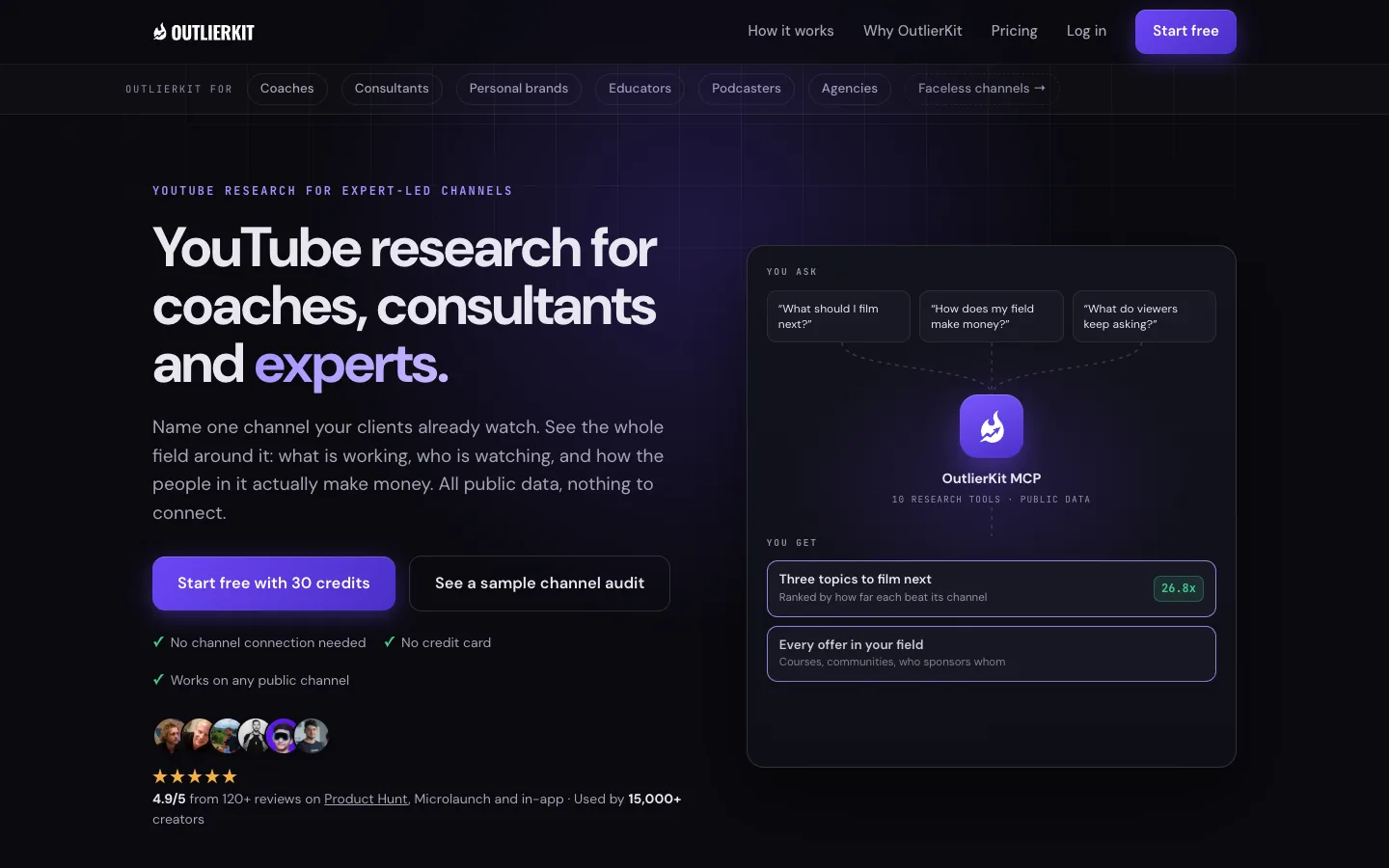
OutlierKit is YouTube research built for coaches, consultants and experts who share what they know on YouTube. Its core method works for any long-form channel, faceless ones included. You search a topic and get outlier videos ranked by how far each one beat its own channel's average. That shows you which ideas earned the click and held viewers, not just which channels are big.
Keyword research shows what people type into YouTube. Channel analysis breaks down a rival channel's scale, upload rhythm and top videos. Script review scores your script before you record, which helps when you write narration for an animated video. Title, description and chapter tools sit on top. Pro and Max add Competitor Studio, which maps a whole niche from one channel your viewers already watch. The MCP connector and API come on every plan, so you can pull outliers into Claude or another AI tool.
Watch out for: It covers YouTube only, and it is a research tool. It does not make the video for you.
Price: Hobby $49/mo, Pro $99/mo, Max $399/mo. The free trial gives 30 credits with no card.
2. AnimatedBoard YouTube video ideas generator
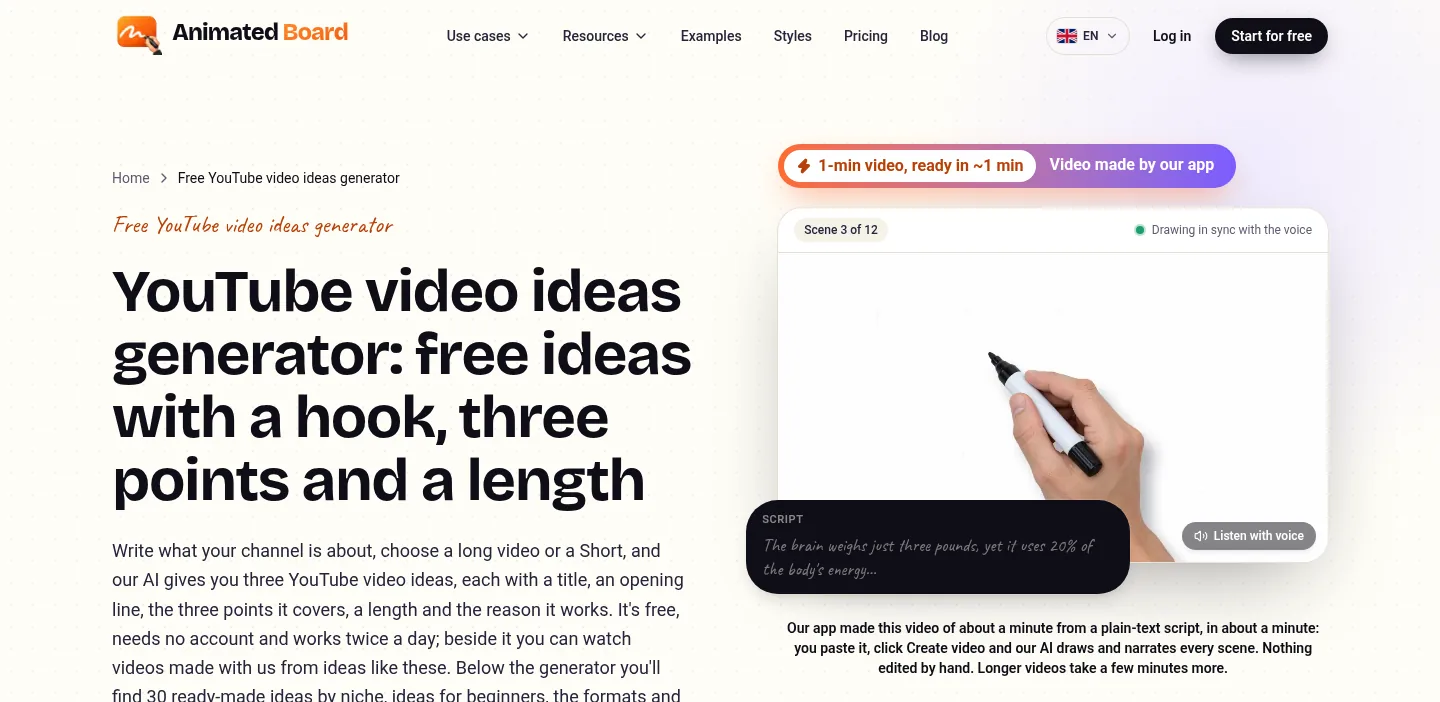
The AnimatedBoard YouTube video ideas generator is a free tool that needs no account. You describe your channel or the video you have in mind, then pick a format: a YouTube video of 2 to 15 minutes, or a Short, Reel or TikTok of about 1 minute.
Each run gives you three ideas. Every idea comes with a title, an opening line, three points the video should cover, a suggested length and a short reason it works. Click "3 more ideas" to get three new ones that do not repeat what is on screen. The page also lists 30 sample ideas by niche, eight title formulas and a checklist to run before you publish.
It fits faceless creators well because the output is close to a script outline. With a free AnimatedBoard account, "Create video with this idea" opens a new whiteboard or story video with the title, points, length and format filled in. You review it before anything gets made.
Watch out for: Without an account you can generate ideas twice a day. The ideas are a starting point, so check them against real outlier videos before you commit.
Price: Free. A free account unlocks more ideas per day, a saved channel profile and four-episode series ideas.
3. vidIQ
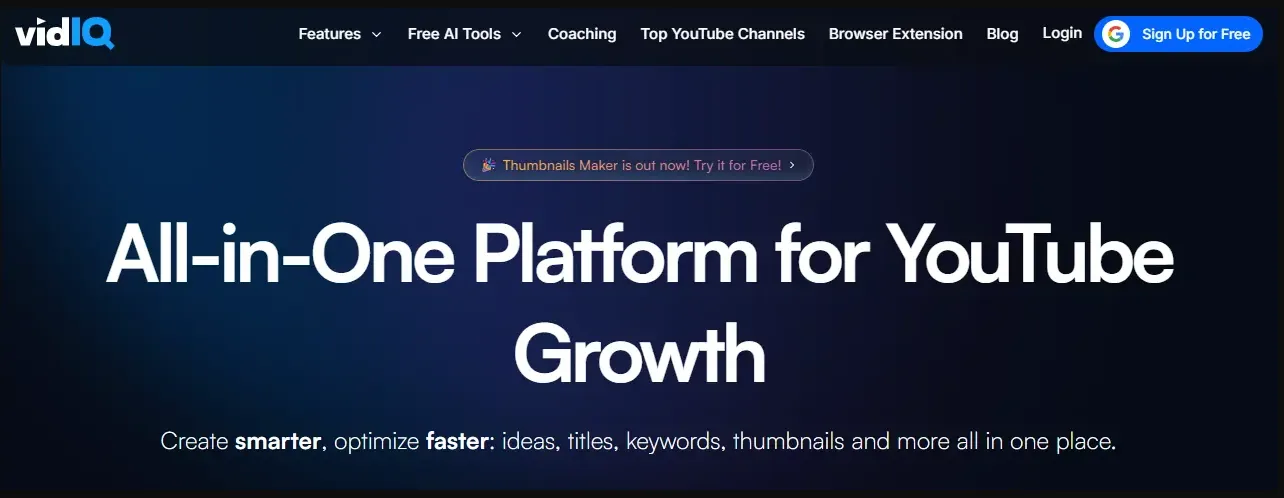
vidIQ is a broad YouTube growth suite. It scores keywords for search volume and competition, tracks niche trends and shows outlier videos. The free plan includes 150 AI credits a month, niche trends research and content ideas.
Watch out for: It does a lot, so you may pay for features you never use. AI features share one monthly credit pool.
Price: Free plan. Boost $199/yr. Max $468/yr.
4. 1of10
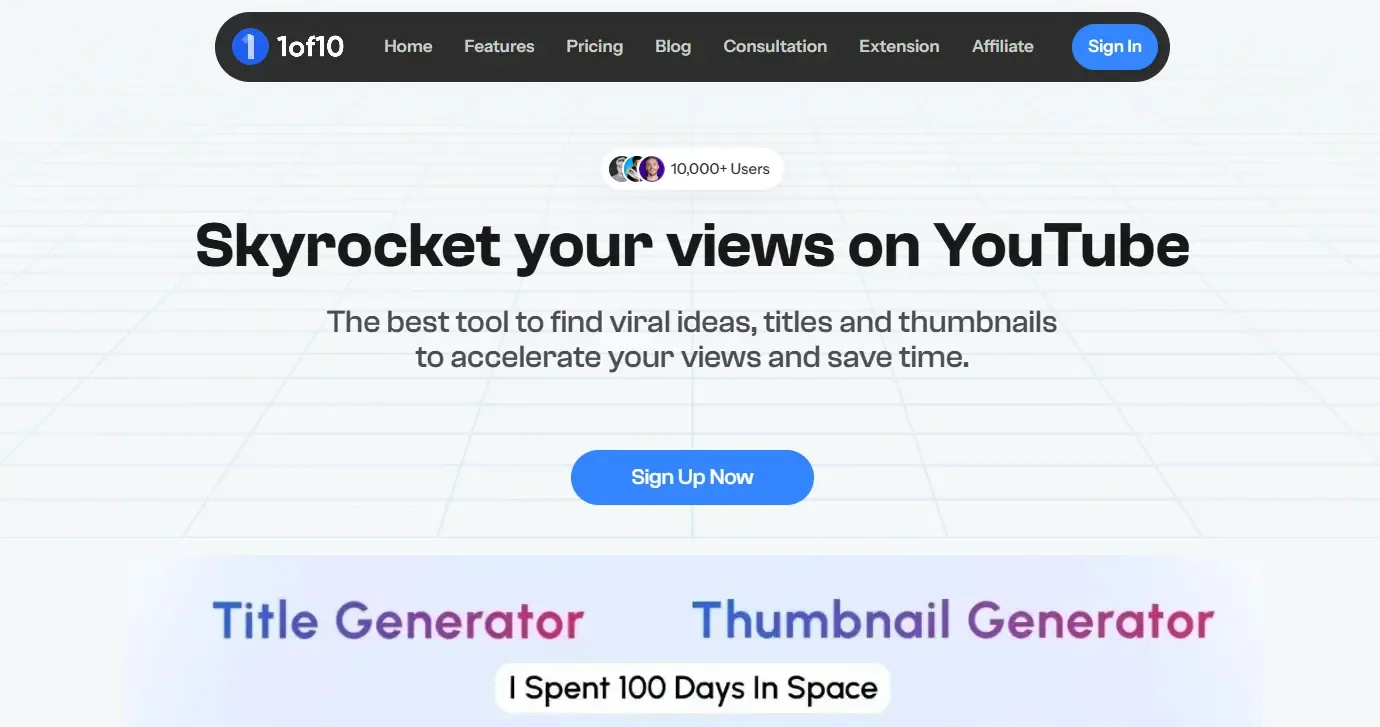
1of10 finds videos that beat their channel's average and lets you search thumbnails across YouTube. It also shows trending formats and has an AI title and idea generator. Outlier search does not use credits.
Watch out for: The free plan shows only 5 results per outlier search and 5 per thumbnail search, so serious research needs a paid plan.
Price: Free plan. Basic $19/mo, or $15/mo billed yearly. Pro $89/mo, or $69/mo billed yearly.
5. Viewstats
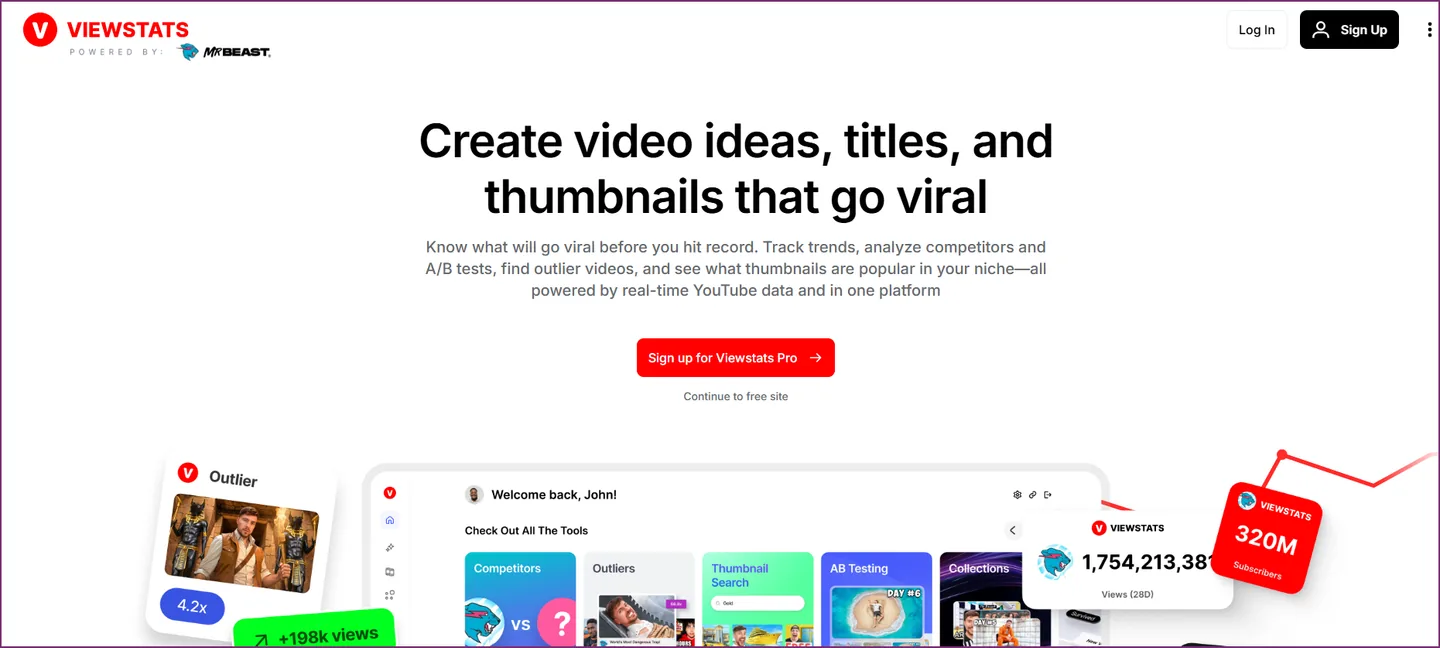
Viewstats, from the MrBeast team, started as a public stats site. It now shows outliers, thumbnail search, competitor tracking and ranked lists such as top subscribers and most subscribers gained.
Watch out for: The full research toolkit is part of the paid Pro plan. The next step up, Business, is a big jump in price.
Price: Free site and free Chrome extension. Pro is paid. Business starts at $249/mo.
6. TubeBuddy
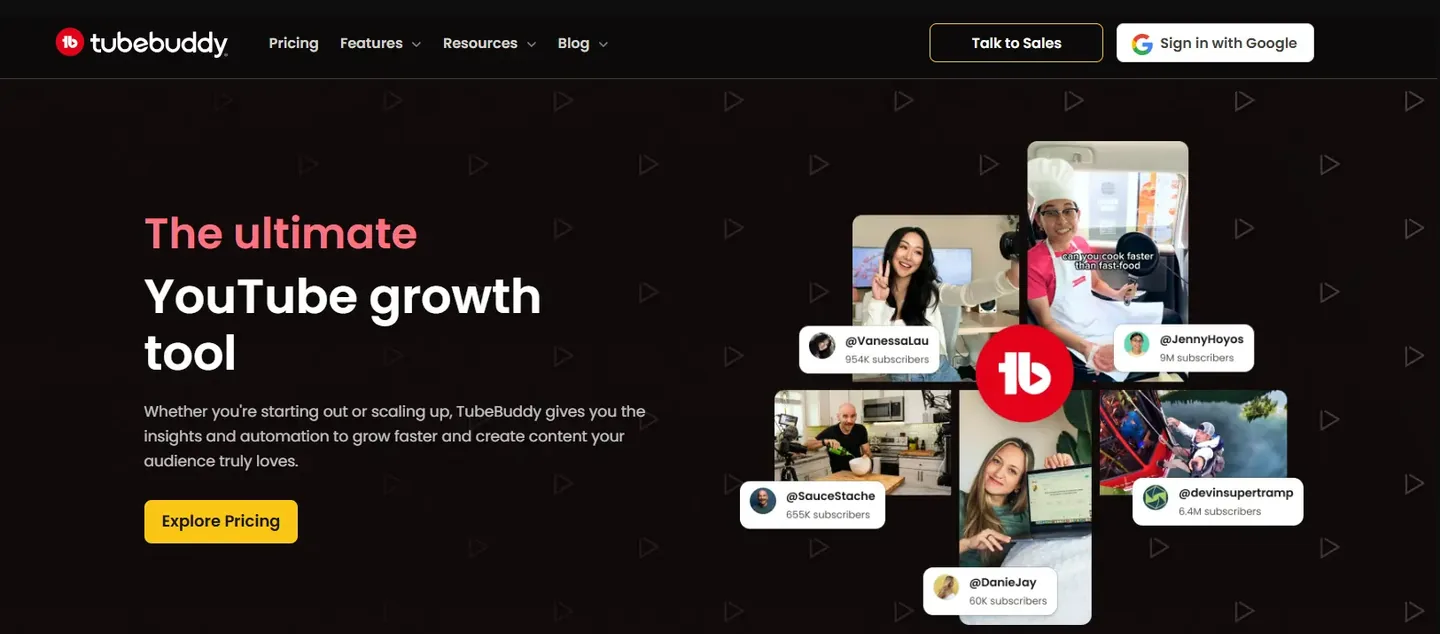
TubeBuddy is a browser extension that works inside YouTube. Its Keyword Explorer shows what viewers search for. Paid plans add a Video Topic Planner to save and sort ideas, and it has a new Next Video Ideas feature.
Watch out for: Most of its tools help you optimize a video after you pick the idea. It shows less about which ideas break out in your niche.
Price: Free to start, with no card. Paid Pro and Legend plans add more tools. TubeBuddy offers a 30-day refund policy.
7. Google Trends
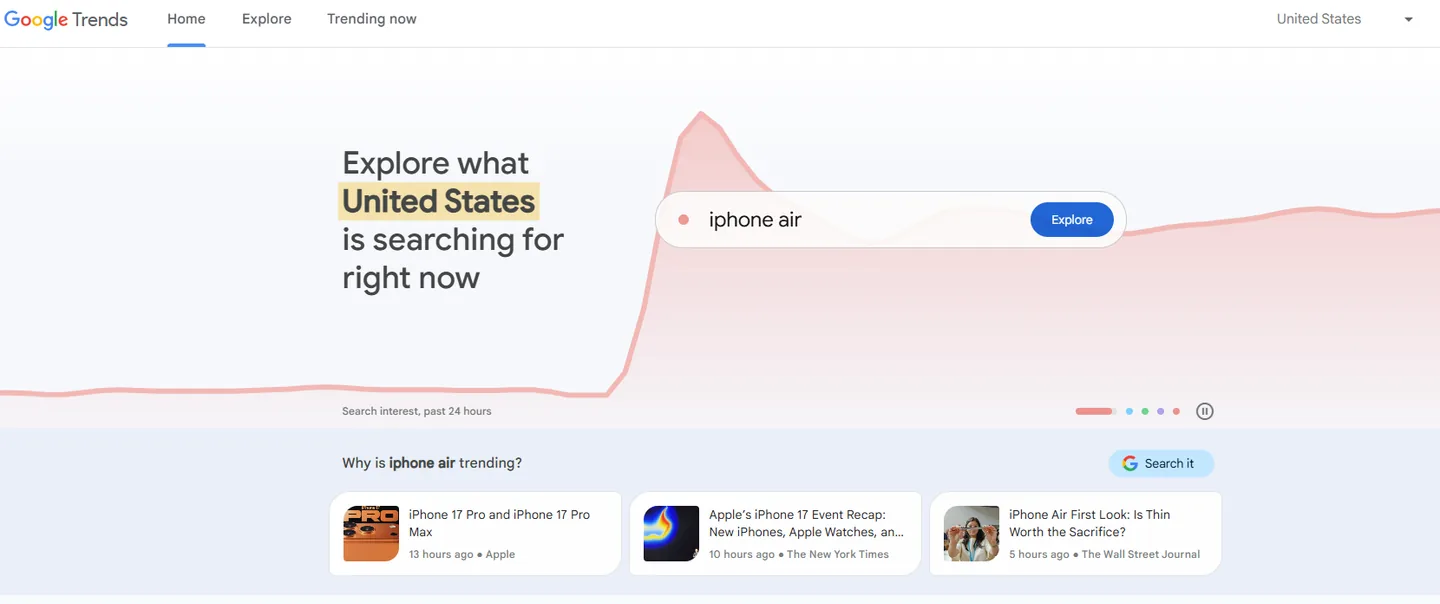
Google Trends shows how interest in a search term changes over time. Switch the search type to YouTube Search to see YouTube interest only. Compare two topics side by side to see which one is growing.
Watch out for: It shows a 0 to 100 index, not real search numbers. It also does not tell you which videos won.
Price: Free.
A simple workflow for your next faceless video
Take a whiteboard channel about money habits. The same steps work for history, psychology or science.
Step 1. Get a list of ideas. Run your niche through the AnimatedBoard generator two or three times. Save the ideas that you could explain well.
Step 2. Check each idea against outliers. Search the core topic in OutlierKit, 1of10 or vidIQ. Look for small channels that broke out on it in the last few months. If nobody has, drop the idea or change the angle.
Step 3. Study the winning video. Note the title promise, the thumbnail idea and the first 15 seconds. Read the comments for questions the video did not answer. That gap is your angle.
Step 4. Check demand over time. Put the topic into Google Trends with YouTube Search on. A flat or rising line means the idea keeps pulling views.
Step 5. Script it and make it. Write the narration around the gap you found. Then turn the script into a whiteboard or story video.
FAQ
What is the easiest free way to get faceless YouTube video ideas?
The AnimatedBoard YouTube video ideas generator is free and needs no account. It gives three ideas per run, each with a title, an opening line and three points to cover.
How do I know a faceless video idea will get views?
Look for outlier videos on the same topic. If several small channels beat their usual views with it recently, the demand is real.
Do faceless channels work better with long videos or Shorts?
Both can work. Long videos can keep earning search and suggested views long after you post them. Shorts help you test ideas fast.
Can I turn an idea into a video without showing my face?
Yes. Write a script, then use a tool like AnimatedBoard to turn it into a narrated whiteboard or story video.
About the author: Aditi researches what makes YouTube videos break out for coaches, consultants and expert-led channels, and publishes data-backed channel breakdowns and tool comparisons at outlierkit.com/resources.